
Perfect Living OS / Handyman teams
Handyman business software. Send the brief with the person.
The address is only the beginning. Your team also needs the task list, photographs, access details and the agreement with the customer. Perfect Living OS is designed to keep that information with the job.

01 / The working day
Understand the task before quoting it
“A few small repairs” is not a scope. Ask what needs attention, what the customer can show in photographs and whether materials or specialist trades may be needed. Record the questions that still need answering before preparing a price.
The customer record gives the next person a place to start. Keep the original request and quote together so the office does not have to recreate the brief whenever somebody else answers the phone. Software helps organise the decision; it does not replace a qualified assessment.
02 / The working day
Make the visit useful before it starts
A tradesperson arriving without the right instructions loses time before the first tool comes out. The job should carry the agreed work, property details, assigned person and access arrangements. Check the calendar before promising a time.
If the customer adds a shelf or another repair, record the request separately from the approved scope. Get the appropriate agreement before changing the work or price. The person at the property and the person handling the invoice need the same version of events.
03 / The working day
Keep a history that helps on the next visit
A returning customer should not have to explain the previous job from scratch. Completion notes and unresolved issues belong with the work, alongside the customer and property context.
Use that record to prepare the invoice and decide the next action. A job may need a return visit, a customer answer or payment follow-up; those are different tasks. Making the difference visible is more useful than simply labelling everything done.
See the software
From a familiar problem to a visible next step.
Explore a sanitized demo view. Records and figures are fictional; feature availability and connected providers depend on your setup.
Follow a complete working day with OS ↗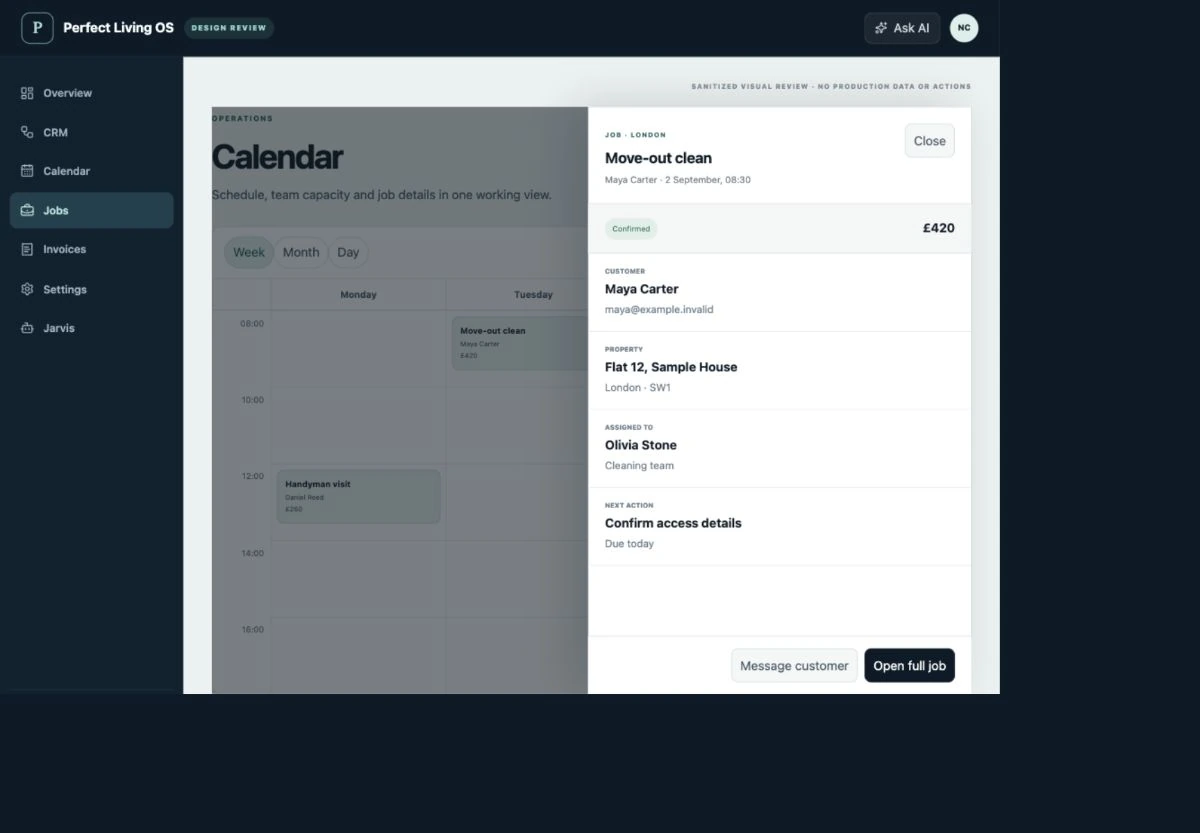
Before choosing software
Check the fit, not just the feature list.
Does the software decide whether a repair is safe or licensed?
No. The business remains responsible for trade competence, safety, licensing and the decision to accept work. The OS helps keep scope, evidence and responsibility organised; it is not a substitute for professional judgement.
What should I check before moving my team?
Bring a real enquiry, quote, visit and invoice to your fit review. Confirm data import, permissions, supported integrations and the responsibilities of each role. Test a small workflow before changing the tools your operation depends on.
Where are pricing and purchase availability shown?
The OS plan catalogue holds current Basic, Team and Operations pricing, allowances and registration status. External provider fees and custom integration requirements should be confirmed separately.
Explore related workflows
Make your next working day clearer.
Start with the parts of your operation that need to stay connected.
Discuss handyman teams ↗OS terms · Privacy · Cancellation & refunds