
Perfect Living OS / Commercial service teams
Commercial field service software. Keep every site in the picture.
Commercial customers need continuity. The agreed scope, the visit pattern and the site instructions matter long after the first quote. Perfect Living OS is designed to keep that context available to the people doing the work.

01 / The working day
The contract is not the daily brief
An office may have a regular cleaning schedule, a separate maintenance request and a site manager asking for an update. Each piece needs its own next action while remaining connected to the customer.
Keep the approved scope and site context visible when preparing the job. The person attending needs practical instructions, not just a company name. Confirm required access, competence and availability before treating the appointment as agreed.
02 / The working day
Handle changes without losing the routine
A planned visit changes when an office closes early or an extra task is requested. The response needs to account for the existing schedule and what the team can actually deliver.
Review the calendar, record the change and agree the new arrangement. A request to expand the work should remain distinct from the original scope until authorised. The aim is to make customer commitments visible, not to promise automatic dispatch or capacity that has not been checked.
03 / The working day
Give the customer a useful answer
When the site manager asks what happened, the answer should come from the job record: what was completed, what remains and who is handling the next step. That is more useful than a generic status update.
The commercial record needs the same discipline. Connect the invoice to the agreed work and distinguish outstanding payment from confirmed collection. Specialist compliance, asset lifecycle management and enterprise reporting requirements should be assessed separately during a fit review.
See the software
From a familiar problem to a visible next step.
Explore a sanitized demo view. Records and figures are fictional; feature availability and connected providers depend on your setup.
Follow a complete working day with OS ↗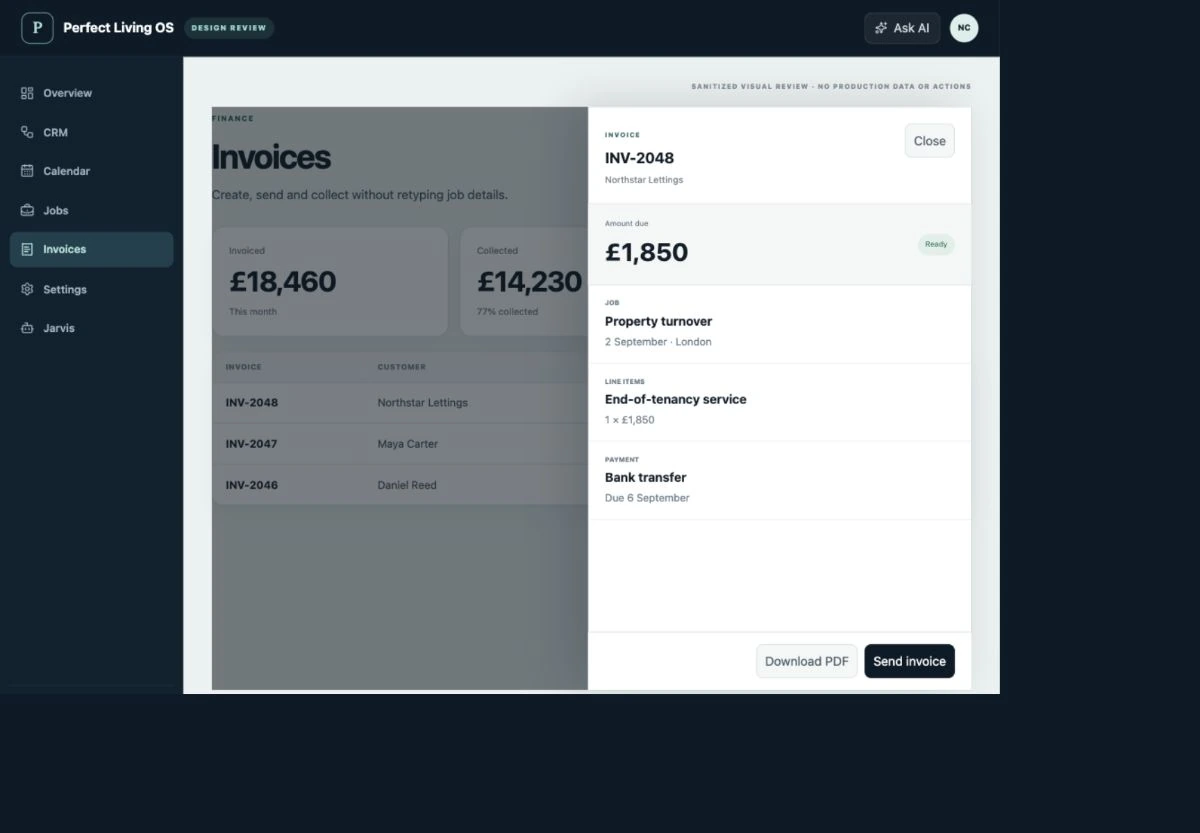
Before choosing software
Check the fit, not just the feature list.
Is this an enterprise facilities management or asset system?
The current focus is scheduling and managing service work for business customers. Do not assume specialist CAFM, asset lifecycle, compliance certification or enterprise integrations are included; confirm each requirement during your fit review.
What should I check before moving my team?
Bring a real enquiry, quote, visit and invoice to your fit review. Confirm data import, permissions, supported integrations and the responsibilities of each role. Test a small workflow before changing the tools your operation depends on.
Where are pricing and purchase availability shown?
The OS plan catalogue holds current Basic, Team and Operations pricing, allowances and registration status. External provider fees and custom integration requirements should be confirmed separately.
Explore related workflows
Make your next working day clearer.
Start with the parts of your operation that need to stay connected.
Discuss commercial service teams ↗OS terms · Privacy · Cancellation & refunds